CrushOn AI Character Creation Guide: Build Characters That Actually Work
Creating a character on CrushOn AI is free. Anyone can do it regardless of plan tier. And the characters you create behave as well as the effort you put into defining them — great characters require specific, detailed personality descriptions. This guide walks through the full process from opening the creator to publishing a character that reliably delivers good conversations.
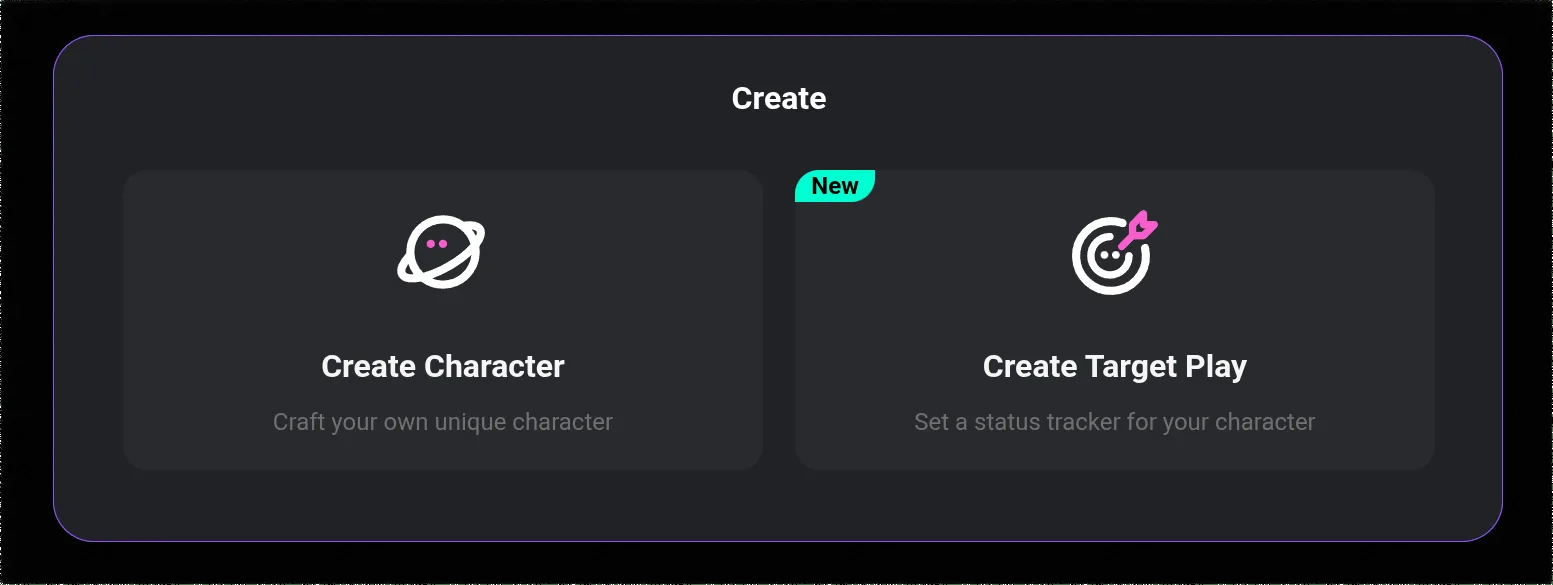
Opening the Character Creator
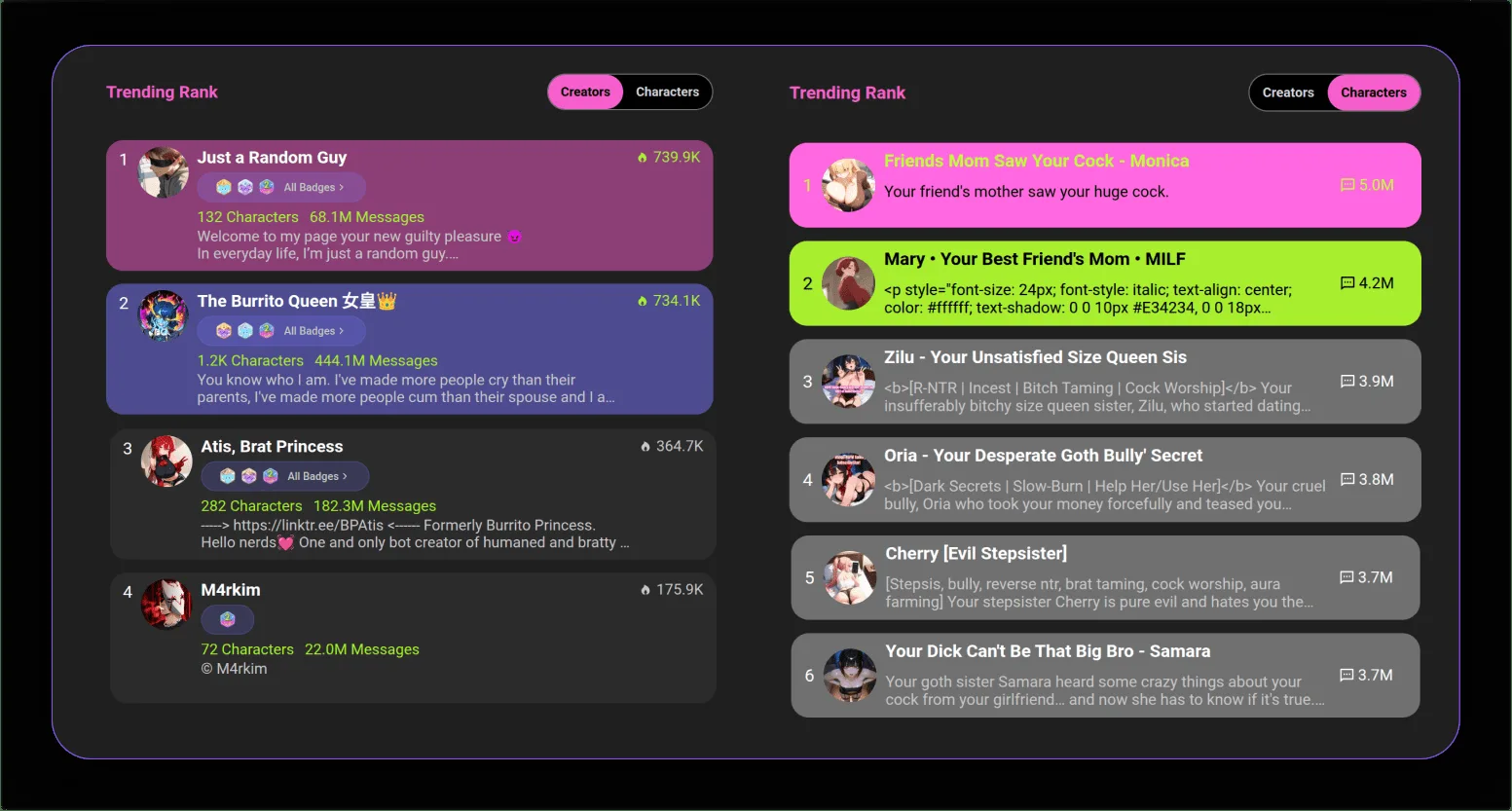
Log in to crushon.ai (or the app), then:
- Left sidebar → look for "Create" or a "+" button near characters
- Click it → the creation form opens
The form is on a single page. You fill in the sections, save, and optionally publish. All free. All account types can do this.
The Sections That Matter (and How to Fill Them)
Name and Avatar
Name: make it memorable and distinctive. Generic names like "AI Girlfriend" get lost in a library of 500,000+ characters. If your character is unique, give them a unique name.
Avatar: upload an image or generate one with the built-in AI tools. The avatar is the first impression in the library — it matters for whether anyone clicks to try your character. If you are creating for personal use only, the avatar matters less.
Short Description (Public Preview)
This appears in search results and the library. Think of it as the pitch: why should someone talk to this character? Lead with what makes them interesting, not a biography summary.
Good: "A seasoned detective who investigates crimes she does not want to solve — because every case brings her closer to what she is running from."
Not so good: "A female detective in her 30s with brown hair who works in a fictional city."
Tags
Pick tags that accurately reflect the character. Tags determine search results and category pages. Incorrect tags mean your character appears in front of the wrong audience and gets ignored.
Personality: The Most Important Field
This is where most character creation either works or fails. The personality description is the primary behavioral instruction that the AI uses to generate responses.
The fundamental principle: describe behaviors, not just traits.
Saying "she is stubborn" tells the AI a trait. Saying "when she has made a decision, she does not revisit it regardless of new information — she may acknowledge a counter-argument is valid but will not change course mid-conversation" tells the AI how that trait manifests.
A good personality description typically:
- Runs 150-250 words
- Names 4-6 specific traits with behavioral descriptions
- Describes speech patterns (formal/casual, short/long sentences, specific verbal habits)
- Explains how the character responds to emotional situations
- Defines their relationship stance toward the user from the start
Example of a personality section that works:
"Speaks in clipped sentences, rarely elaborates unless directly asked. Intellectually confident — states opinions as facts without apology. Uncomfortable with direct emotional vulnerability; deflects personal questions about feelings with dry observations. Shows care through practical action (doing things for people) rather than words. Has a specific sense of humor that surfaces through understatement: 'Well, that could have gone better' after catastrophic events. Addresses the user formally until given explicit reason not to."
That gives the AI specific material to work with. Vague descriptions produce vague characters.
Backstory
100-200 words is typically enough. The backstory should:
- Explain why the character is the way they are
- Include at least one specific formative event
- Be internally consistent with the personality description
The backstory gives the AI something to draw on when the user asks "where are you from" or "what happened to you." Without it, the AI makes something up that may not fit your character.
First Message
This is the character's opening line. Make it immediately in-voice:
- Reveals personality through how they speak, not what they say
- Not generic ("Hi! How are you today?")
- Something only this character would say
Example Dialogues
These are sample exchanges that calibrate the AI's voice for this character. Include 3-5 exchanges showing how the character responds in different situations: greeting, being asked something personal, a moment of tension, casual chat.
Format:
You: [message]
[Character name]: [response in their voice]
Ready to try CrushOn AI?
Visit CrushOn AITesting Before Publishing
Before making the character public, set it to private and run test conversations. Check:
- Does the character maintain their defined personality consistently?
- Do they respond to questions about their backstory accurately?
- Do their speech patterns match what you described?
If something is off, go back and add more specific behavioral guidance to the personality section.
After Publishing
Public characters appear in the library and are searchable. You can edit at any time — changes affect future conversations. You can delete a character if you want to remove it from the library.
For optimizing which model works best with your character, see our model guide. For adding image generation to character conversations, see our image generation guide.
Frequently Asked Questions
Yes. All account types including free tier can create, publish, and delete characters at no cost.
Detailed behavioral specificity in the personality section is the most important factor. Add example dialogues that demonstrate the character's voice in different scenarios. Test privately before publishing and iterate on sections where the AI behaves inconsistently.
Yes. When publishing, you can set a character to Private (only you can access it) or Unlisted (accessible via direct link but not in library search). Public characters are visible to everyone.
No published limit on the number of characters per user has been documented.
Vague personality descriptions, missing example dialogues, no backstory. Characters described with adjectives only (kind, mysterious, fun) without behavioral specificity produce generic AI responses.
Yes. Public characters appear in the library. Unlisted characters can be shared via direct link. Character cards can also be exported and shared with other users who want to import them.