CrushOn AI Not Working: What to Do When Things Break
Something stopped working on CrushOn AI and you want it fixed, not a list of things you already tried. I have hit most of these issues in three months of daily use. Here is what actually worked.
Figure Out Which Problem You Have
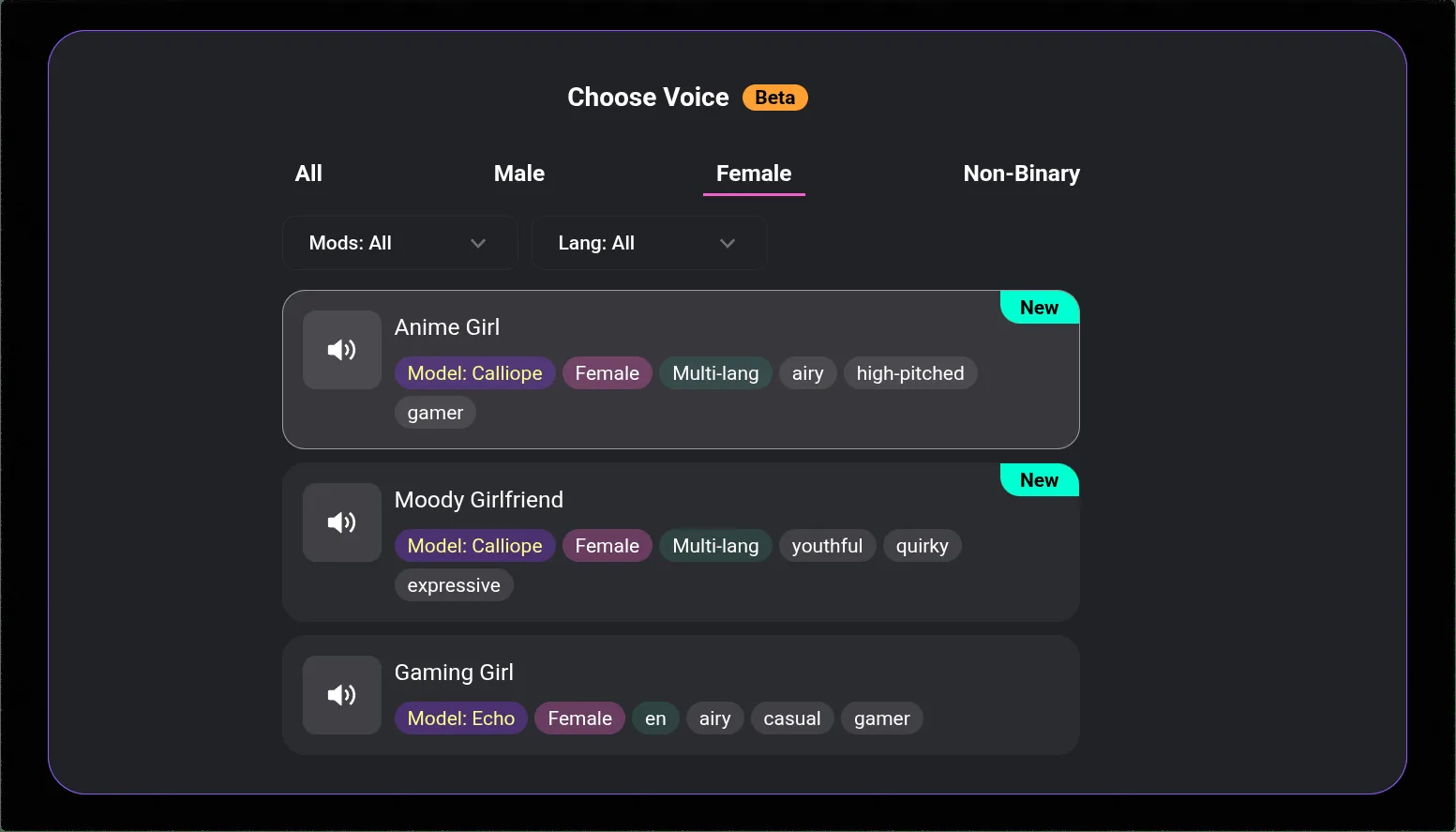
Not all CrushOn AI problems are the same. The fix depends on what is broken.
Messages failing or not sending — usually server congestion or a session that expired
Images not generating / "image not found" — almost always server load, occasionally a prompt issue
Login not working — account issue, password problem, or regional access problem
Conversations loading slowly or freezing — browser/app cache, or server peak hours
Character behaving strangely — not a bug, usually a prompt or context issue
App crashing on launch — outdated app version or device compatibility issue
Messages Not Sending
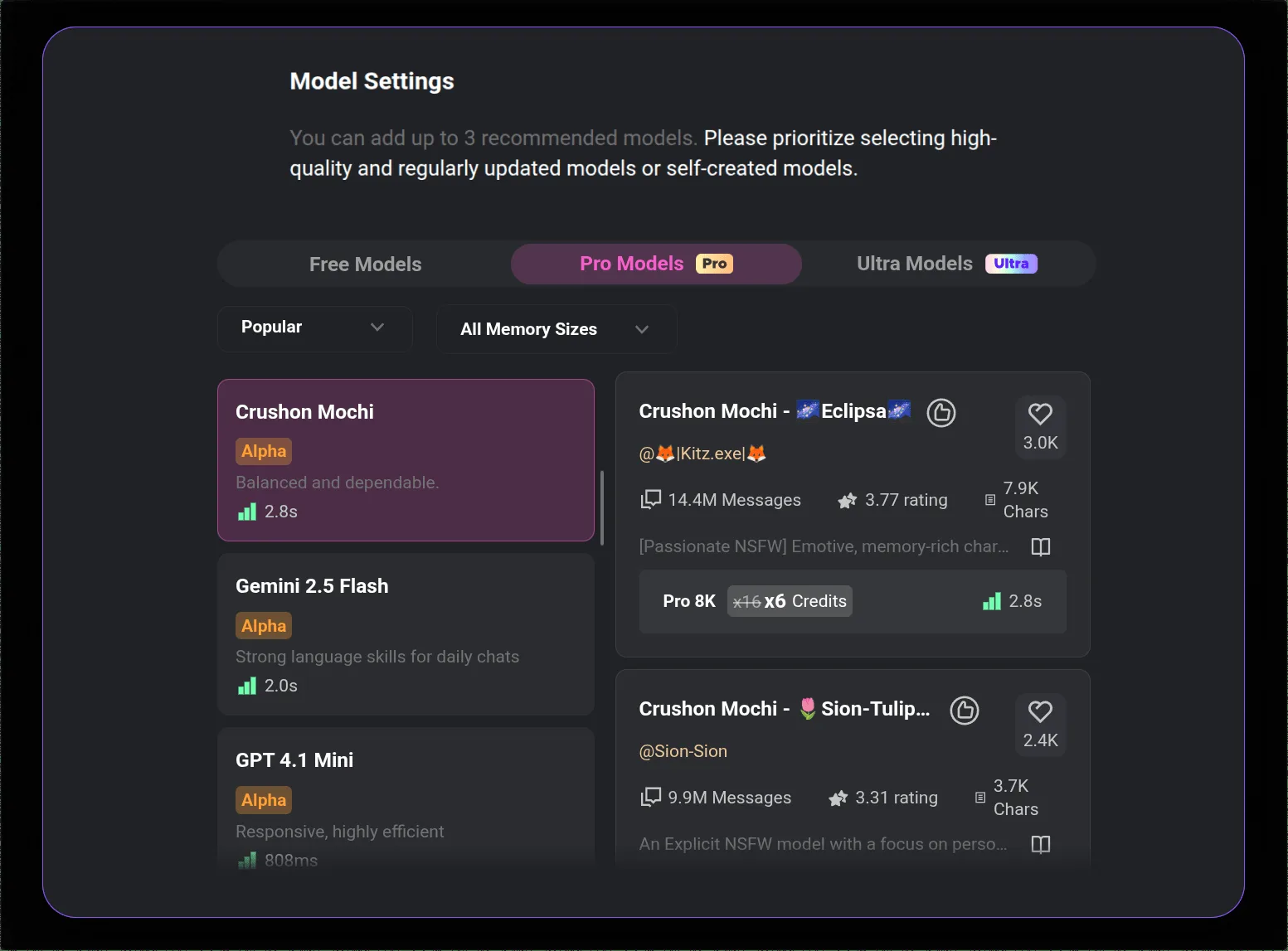
This is the most common issue. A few things cause it:
You ran out of messages. Free tier resets at 50 per day. If you hit that limit, messages stop sending until the next reset (24 hours from when you first sent that day, not midnight). Check your counter in account settings.
Your session expired. Log out completely, close the browser, open fresh, log back in. This fixes more than people expect.
Server is congested. CrushOn AI runs on servers that get hammered in peak hours (evenings US time). Messages fail under load. Wait 10 minutes and retry. Not satisfying, but it works.
Try a different browser. Chrome can have extension conflicts. Edge or Firefox on the same connection often work when Chrome does not.
"Image Not Found" Error
This is the most frustrating error because you waited for the image and got nothing.
The cause in ~90% of cases: the image was generated server-side but the delivery failed. It exists somewhere on their server. You just cannot see it.
What to do:
- Wait 5-10 minutes
- Scroll up and down in the conversation — sometimes it loads lazily
- Refresh the page
- Generate again with the same or slightly modified prompt
Evenings (US Eastern time) are the worst for this. Morning generation is usually faster and more reliable. If you have important image generation to do, do it before noon US Eastern.
If the error persists across multiple sessions over several hours, check Twitter @CrushonAI — server outages get posted there.
Login Problems
Forgot password: Tap "Forgot password" on the login screen and use the email reset flow. Check spam if the email does not arrive within 5 minutes.
Google login stopped working: Go to your Google account security settings, check Connected Apps, make sure CrushOn AI still has permission. Revoke and re-authorize if needed.
Account says email not found: If you signed up through a social login, you may not have a standalone email/password. Use the same login method you originally used.
Access blocked by region: Some regions have content-based blocks on adult platforms. A VPN to a US or EU server typically resolves this. The app works fine with VPN.
Conversations Loading Slowly or Freezing Mid-Chat
Clear cache. On browser: Settings → Privacy → Clear browsing data → check "Cached images and files." On Android: Settings → Apps → CrushOn AI → Storage → Clear cache. This is the fastest fix and it works often.
Check your connection. CrushOn AI is moderately bandwidth-heavy for an AI chat app because of image delivery. If your connection is under about 5 Mbps, you may see slow loads.
Restart the app. On mobile: force close completely, reopen. This clears app-level memory issues.
Try the web version if on mobile. crushon.ai in a browser sometimes performs better than the app during high-traffic periods because the web version can cache differently.
Character Acting Strange or Breaking Character
This is almost never a bug. It is a model behavior issue.
What usually causes it:
- Long conversation: the AI loses context from early in the session. Solution: start a fresh conversation.
- Vague prompts: the AI fills gaps randomly. Be more specific.
- Free tier model limitations: the default free model is less consistent than MythoMax or Claude 3.5 Sonnet. Upgrading to Standard gets you MythoMax.
- The character definition itself is thin. Edit the character's personality section with more behavioral specifics.
If a specific character suddenly behaves completely differently than before, the character creator may have edited it. You cannot control this for public characters.
Ready to try CrushOn AI?
Visit CrushOn AIApp Crashing on Launch
Update the app. Most crash-on-launch issues on Android are fixed by updating via Play Store or downloading the latest APK from crushon.ai (currently v6.5.x).
Android users outside Play Store regions: The APK you downloaded may be outdated. Get the current one from crushon.ai directly.
iPhone users: If the App Store version is unavailable in your region, use crushon.ai in Safari instead. The web version does not crash.
Reinstall if updating does not help. Uninstall, restart phone, reinstall.
If Nothing Works
At that point, the issue is likely on CrushOn AI's servers, not your device.
- Check Twitter @CrushonAI for status updates
- Check the Discord server — community members usually report outages faster than official announcements
- Wait a few hours and try again
Server issues during CrushOn AI's growth phase happen. The platform serves 3 million monthly users and experiences load spikes. They typically resolve within hours.
For questions about your account, their support contact is info@crushon.ai.
Frequently Asked Questions
Most likely cause is server congestion, especially during peak hours (evenings US time). Check Twitter @CrushonAI for status announcements. If no outage is reported, try clearing cache and restarting your session.
First check your message count — free tier stops at 50/day. If you have messages remaining, try logging out and back in. Server congestion is the next most likely cause; wait 10 minutes and retry.
Server delivery failure — the image generates but does not transmit. Wait 5-10 minutes and generate again. Morning hours (before noon US Eastern) are less congested. Check @CrushonAI on Twitter if it continues across multiple attempts.
Clear browser cache or app cache first. Then restart the app/browser. If on mobile app, try the web version at crushon.ai instead. If the platform itself is having issues, waiting it out is the only real option.
Email info@crushon.ai for account issues. Twitter @CrushonAI for status updates. Discord community for faster crowd-sourced troubleshooting.
Peak hours (evenings US time) hit the servers hard. Server response times visibly degrade. Using the platform in morning hours is faster. A slow internet connection (under 5 Mbps) can also contribute given image delivery requirements.