CrushOn AI Download 2026: How to Get It on Any Device
Getting CrushOn AI on your device is straightforward, though the specific method depends on which device you are using. This guide covers every option — Android Play Store, Android APK, iPhone (including when the App Store does not have it), and web browser on any computer.
On Android (Play Store)

This is the simplest method for Android users:
- Open Google Play Store
- Search "CrushOn AI"
- Tap Install — the app is free to download
- Open it, tap Sign Up, create an account with your email
- Confirm you are 18+ when prompted
- Done — you are in the free tier immediately
The app works on Android 5.0 and higher. Most Android phones from the past 6-7 years qualify.
The Google Play version is available in most countries. If it says "not available in your country" — see the APK method below.
On Android (APK — for regions where Play Store is unavailable)
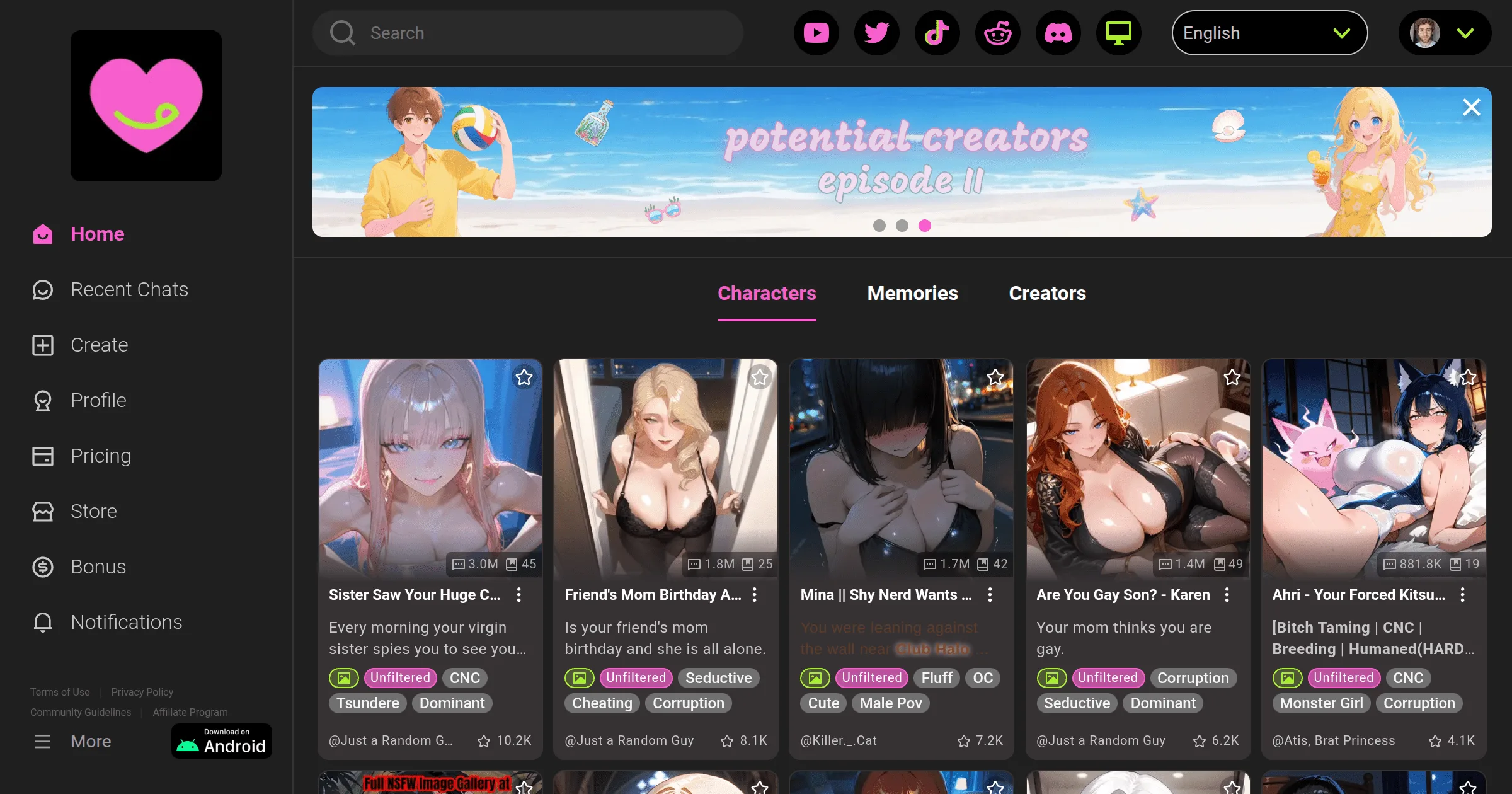
- On your Android phone, open Chrome or whatever browser you use
- Go to crushon.ai
- Find and tap the "Download for Android" button
- Before the APK will install, you need to allow installation from this source:
- Android 8+: Settings → Apps → Special app access → Install unknown apps → select Chrome → Allow
- Older Android: Settings → Security → Unknown sources → Enable
- Open the downloaded APK file
- Tap Install
- Open CrushOn AI and log in or sign up
The APK from crushon.ai is safe — it is the same app as the Play Store version. Do not download APK files from random third-party sites.
On iPhone
The iPhone situation is messier than Android. The CrushOn AI iOS app has been removed from some regional App Stores because Apple's content policies conflict with the platform's adult content.
Check your App Store first:
- Open App Store and search "CrushOn AI"
- If it appears and says "Get" — download it normally. You need iOS 14 or later.
If it is not in your App Store:
Use the web version — and it is not a downgrade:
- Open Safari on your iPhone
- Go to crushon.ai
- Everything works — same character library, same conversations, same features
- To make it feel like an app: tap the Share button at the bottom → "Add to Home Screen" → it creates an icon that opens CrushOn AI in full screen without the browser bar
This Safari web version is what most iPhone users end up using, and honestly it works fine.
On Computer (Web Browser)
No download needed at all:
- Open Chrome, Firefox, Edge, or Safari on your computer
- Go to crushon.ai
- Create an account or log in
- Everything is available — full character library, all features, same experience as the app
The web version runs identically to the mobile apps. For desktop users, this is the standard way to use CrushOn AI.
Creating Your Account
Whether you are on Android, iPhone, or web, the sign-up is the same:
- Click Sign Up
- Enter your email address and create a password — or use Google login for faster setup
- Confirm you are 18 or older
- Verify your email if prompted
- Free tier is active immediately — 50 messages per day, no payment needed
Side-by-Side Comparison
| Method | Works on | Download needed? | All features? |
|---|---|---|---|
| Android Play Store | Android 5.0+ | Yes | Yes |
| Android APK | Android 5.0+ | Yes | Yes |
| iOS App Store | iPhone/iPad iOS 14+ (where available) | Yes | Yes |
| Safari web (iPhone) | Any iPhone iOS 14+ | No | Yes |
| Web browser | Any computer | No | Yes |
Frequently Asked Questions
In some regions, yes — search the App Store. In other regions, the iOS app has been removed due to Apple content policies. In that case, use crushon.ai in Safari on your iPhone — it has the same features and works on iOS 14+.
Download the APK directly from crushon.ai, enable "Install unknown apps" in your Android security settings, and install the downloaded file. This is safe when downloaded from the official site.
No desktop app exists. Use the web version at crushon.ai in any browser on Windows, Mac, or Linux.
Apple has content policies that conflict with CrushOn AI's NSFW features. The app has been removed from some regional App Stores as a result. The web version at crushon.ai in Safari is the solution for iPhone users.
Yes. The app is free to download from the Play Store or directly from the site. The free tier is available without any payment. Subscriptions are optional.
Yes, account creation is required. It takes about 2 minutes and only needs an email address (or Google login). No payment information needed for the free tier.